


Partitioning Hard drives?


Thread Starter


Joined: May 2003
Posts: 21,268
Likes: 147
From: The Dark Side of the Moon...
 Partitioning Hard drives?
Hey guys, I just got my USB enclosure so I now have a 60gb portable HDD 
I want to set up partitions on it, so that different computers (gonne be shaed between 2, maybe 3 PCs) have their own "space" on the HDD
How do I do this?
It's plugged in via USB BTW, not IDE slave
I want to set up partitions on it, so that different computers (gonne be shaed between 2, maybe 3 PCs) have their own "space" on the HDD
How do I do this?
It's plugged in via USB BTW, not IDE slave

PassionFord Post Whore!!
Joined: May 2003
Posts: 3,551
Likes: 0
If you are running XP start the administration tools and choose the icon with a computer on i t (ive a swedish version and don't know its english name.  )
)
Then click on the dischandler and you should be able to partition your drive.
)Then click on the dischandler and you should be able to partition your drive.
Thread Starter
Joined: May 2003
Posts: 21,268
Likes: 147
From: The Dark Side of the Moon...
Ah! Thats right! Admin Tool, Comp Management, Disk Manager!
Thing is, I can't find an option to repartition the drive. I can delete the partition, or format the partition, but not re-partition (or add a partition)
I don't want to delete as it dissapeared from my system and I couldn't get it back for ages
Thing is, I can't find an option to repartition the drive. I can delete the partition, or format the partition, but not re-partition (or add a partition)
I don't want to delete as it dissapeared from my system and I couldn't get it back for ages
PassionFord Post Whore!!
Joined: May 2003
Posts: 3,551
Likes: 0
Strange, but if you got one single partition now you would have to delete that and then create smaller partitons, one at a time. Ive never used USB-disc though so im not shure if it differs or not to internal drive. 


Thread Starter
Joined: May 2003
Posts: 21,268
Likes: 147
From: The Dark Side of the Moon...
Dan, I don't get how to do that tho! When I right clicked on J: (the USB HDD) and selected "DELETE" it said everything will be deleted, so I said fine. Then J: dissapeared!
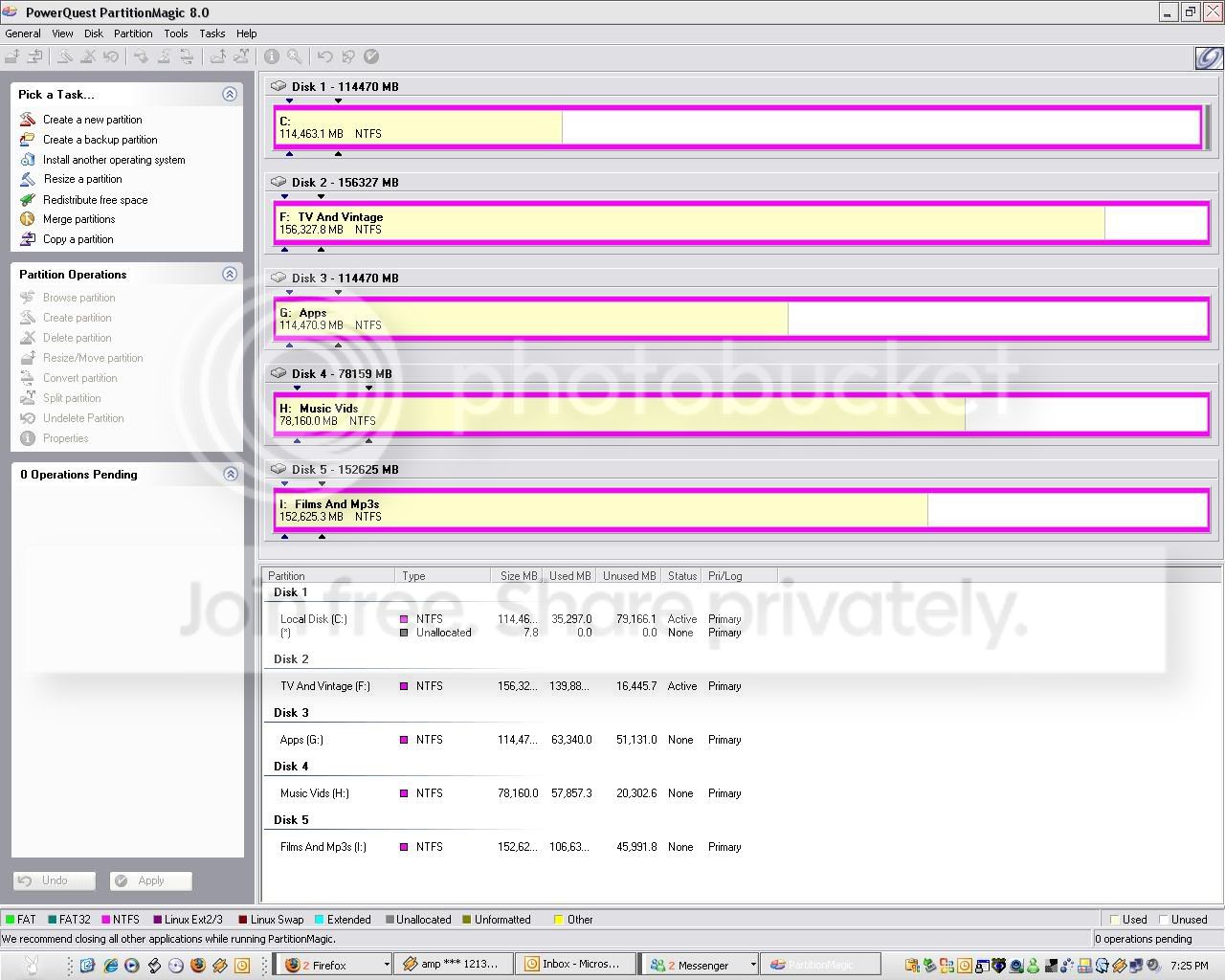
I found it again in the Disk Management thingy listed as "DISK 5 - UNALLOCATED" and right clicked and went "FORMAT" and it assigned it a file path of J: again, but once thats done it is the full size again....
There was an option with somehting about PRIMARY PARTITION and EXTENDED PARTITION, but a quick read up on Google said that as a mass storage device, the computer won't "see" the extended partition...
I found it again in the Disk Management thingy listed as "DISK 5 - UNALLOCATED" and right clicked and went "FORMAT" and it assigned it a file path of J: again, but once thats done it is the full size again....
There was an option with somehting about PRIMARY PARTITION and EXTENDED PARTITION, but a quick read up on Google said that as a mass storage device, the computer won't "see" the extended partition...
Trending Topics
PassionFord Post Whore!!
Joined: May 2003
Posts: 3,551
Likes: 0
You need to create smaller partitons ie not the full disk. Make a primary partition that dont take up all the disk space then you can create extended or whatever its called with rest of free space.
I dont remember the exact steps but never had a problem with it.
I dont remember the exact steps but never had a problem with it.

Thread
Thread Starter
Forum
Replies
Last Post
TPM961
Restorations, Rebuilds & Projects.
19
Jan 15, 2018 10:50 AM