Gentlemen,
Before you can run a windows XP disc on a machine, you need to assatain the actual problem. In this case :
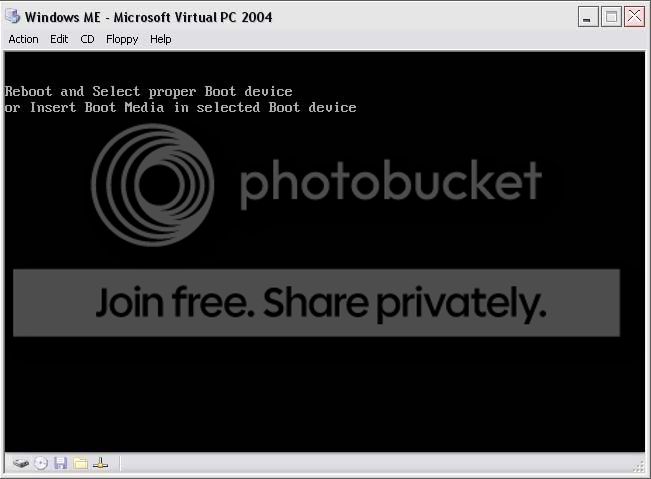
This, coupled with the error message above indicates at first a hard drive problem.
Phil,
When the computer first comes on it will look like this
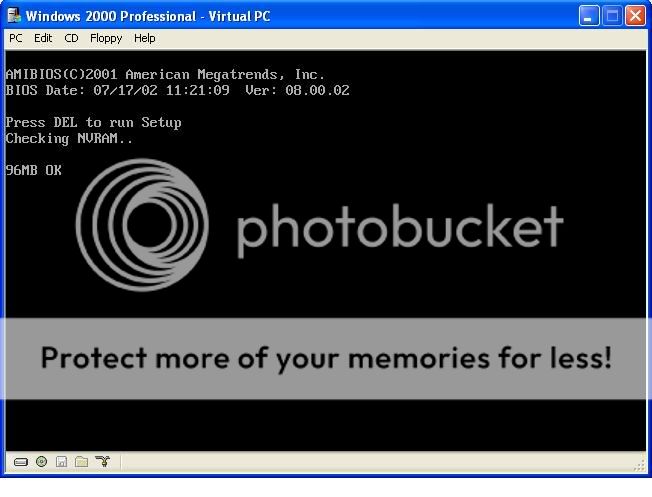
Press what ever key it say's to enter setup, usually DEL.
Once in there, (depending on layout and make of bios) there should be a standard cmos setup option ?
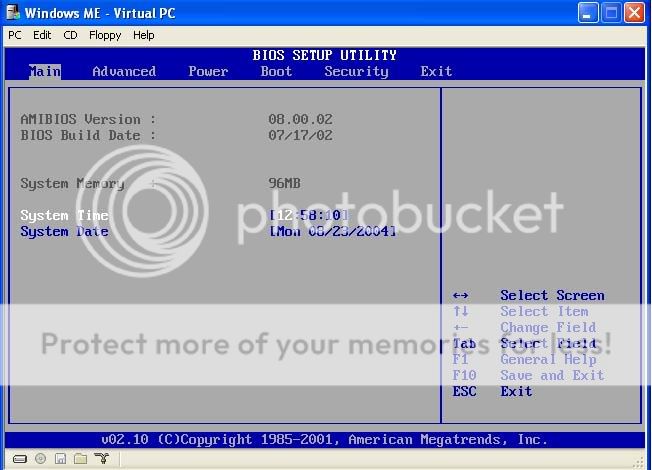
Now, this should give you the details of the hard drives / cd writers installed.
Basically, if you have 1 hard drive and 1 cd drive and only one thing is listed, then the hard drive is not being detected.
Now, press F10 to exit and save changes, switch the pc off, take the side of the case off and unplug the power cable from the hard drive, it's the yellow, black, and red cable that goes into the har drive (bad pic)
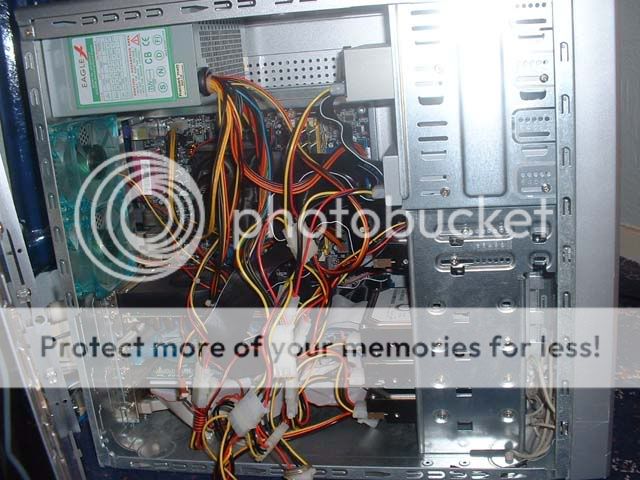
Now, plug it back in and switch it back on. If still no joy then It would be fair to say that your hard drive is fooked

Now, you could take it to a geek with computers to see if there's any way of getting the data off the drive
