This is easy to do.
Open up the side of the case (usually 2 or 3 screws at the back then slide the side off).
You'll see a cable running from the bainboard to your hard disk drive, and one from the power adaptor to the drive.
IDE connection is the black wide cable in this pic
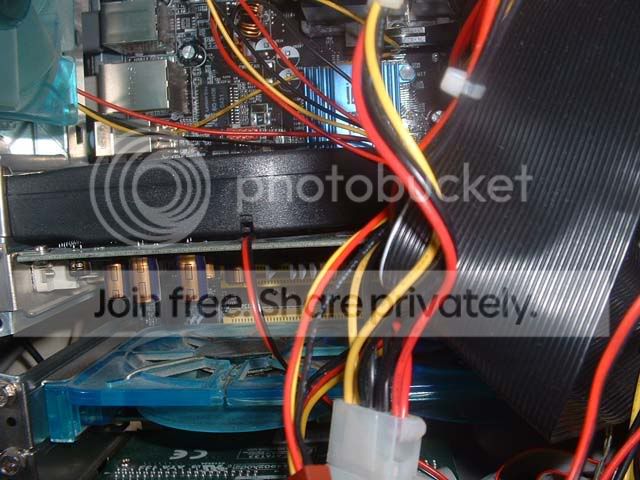
This is a SATA connection
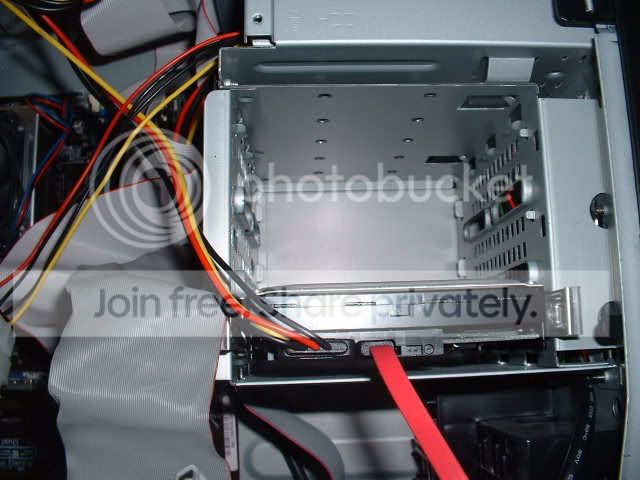
If it's the top connection type, then there will be 2 connectors on it, allowing 2 drives to be attached. On the har drive itself, where the cables plug into it, there will be a set of pins, with a small peice of plastic covering it. This is a jumper (not wolly) and set's the driver paramaters. If putting an additional drive in, it need's to be covering the 2 pins indicationg SLAVE (the drive should have instructions on how to do this). If it's a direct replacement, set it to MASTER.