Right, when your computer starts up, you should see this
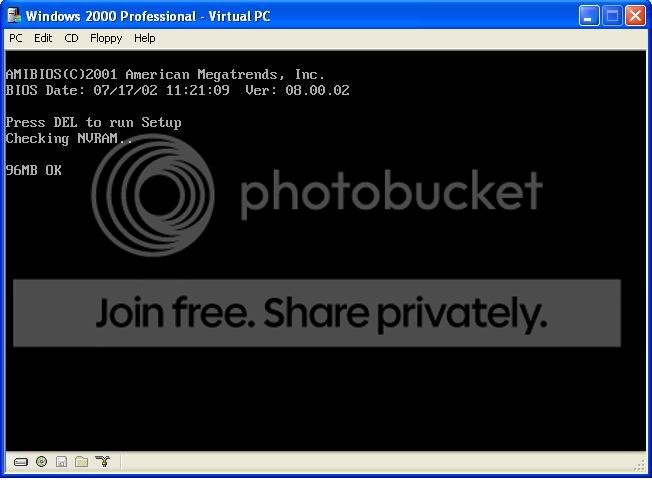
If it's too quick for you, you should be able to press the Pause / Break ke on the keyboard (usually above the Page Up key) and it should stop it and give you the memory count. If that say's 128 in each slot, I would guess 128 is the max each slot can handle. With the side of the case off, you should be able to see on the motherboard the model number / manufacturer.